
What Makes a Rhythm Game Feel Good (And What Ruins It)
From a game designer’s perspective, the rhythm genre might be the hardest category of games to tune. When a game relies on constant quick-time inputs and punishing combo breaks, every millisecond and every decision matters. It’s incredibly easy to design a rhythm game that frustrates your players.
As a rhythm game player and someone who’s spent too long tuning them, I’d like to share my two cents on the tiny details that matter. This is the definitive guide on how to design a rhythm game.
Audio, Visual, and Tactile Senses
When designing a rhythm game, one must decide which of three human senses to involve. First is hearing. This goes without stating, but you cannot have a rhythm game without audio.
Where it gets more complicated is whether to incorporate visual cues. Of course, any rhythm game is going to have appealing visuals; the decision is whether these visuals are required to complete a level.
Rhythm Heaven Groove is a great example of this. It was designed to be able to be played by blind players, a choice that’s reflected in its read-aloud narration settings and its minigame designs. Of course, any accessibility feature is a win for everyone, not just disabled players. This can be seen in Rhythm Heaven Groove’s “night mode” feature where games are played with the screen completely dark!
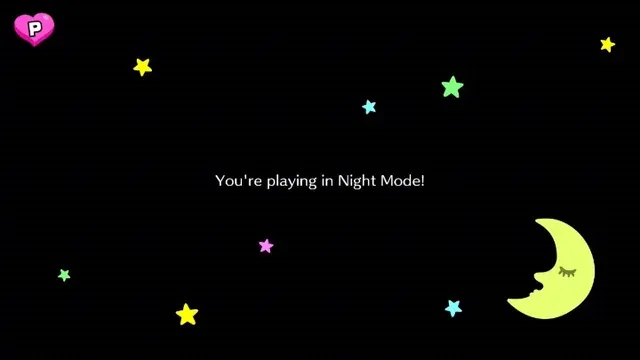
This isn’t to say that your game must be only dependent on audio—it’s just a choice to make early on. Some great classic rhythm games like Dance Dance Revolution and Taiko No Tatsujin are visual-driven, and the beat of the song is simply there to help you refine your input timing.
Finally, we must mention tactile senses—if your game has controller rumble, you get an extra sense that the player can use to aid their timing. You could even confuse the player with extraneous vibration to add difficulty.
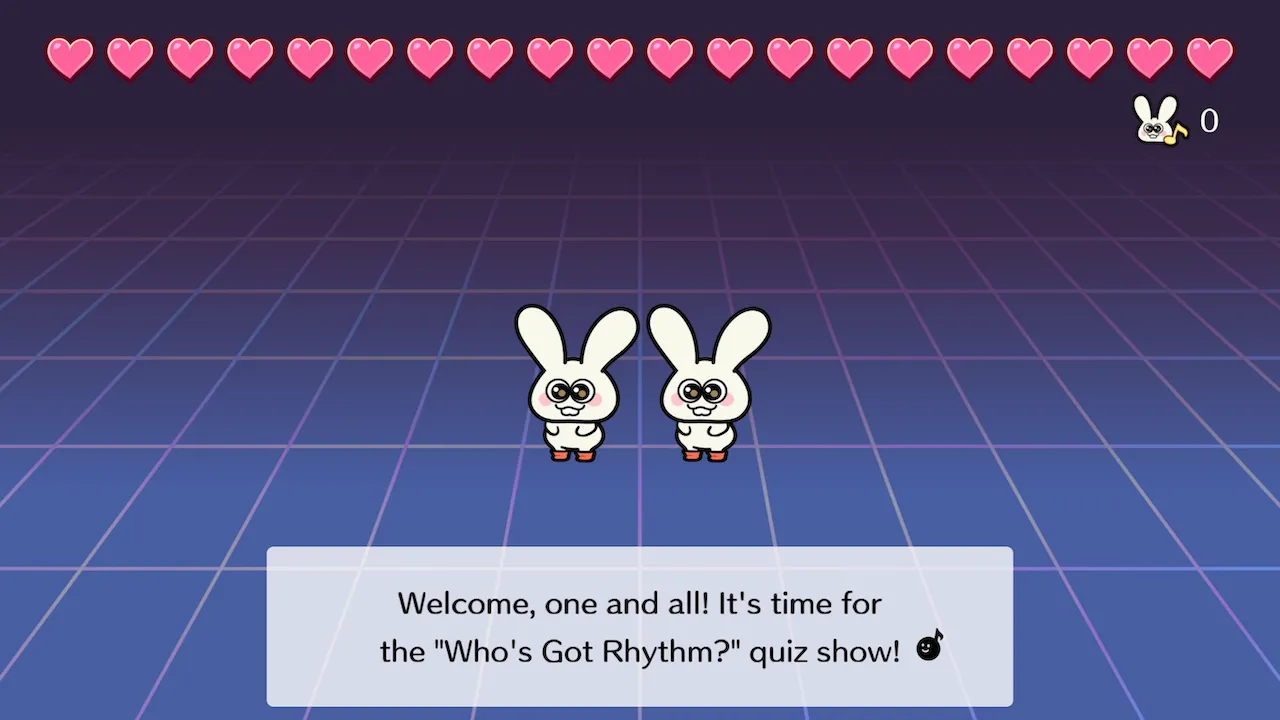
One great study of using vibration as a third sensory input is Rhythm Heaven Groove’s “Who’s Got Rhythm” minigame, where you have to find which characters are moving to the beat and sending the correct vibration patterns to your controller. Audio, visual, and tactile sensing all required to pass.
Let Players Misinput!
There will come a time when you have to decide on your game’s punishment mechanism. Most often, this will come in the form of breaking a streak or subtracting health if the player doesn’t press a button on time.
But what if the player presses an input when no cue was given? Depending on the community you’re in, this is called a “ghost note,” a “kara-poor” (“空POOR”), or an “overhit.”
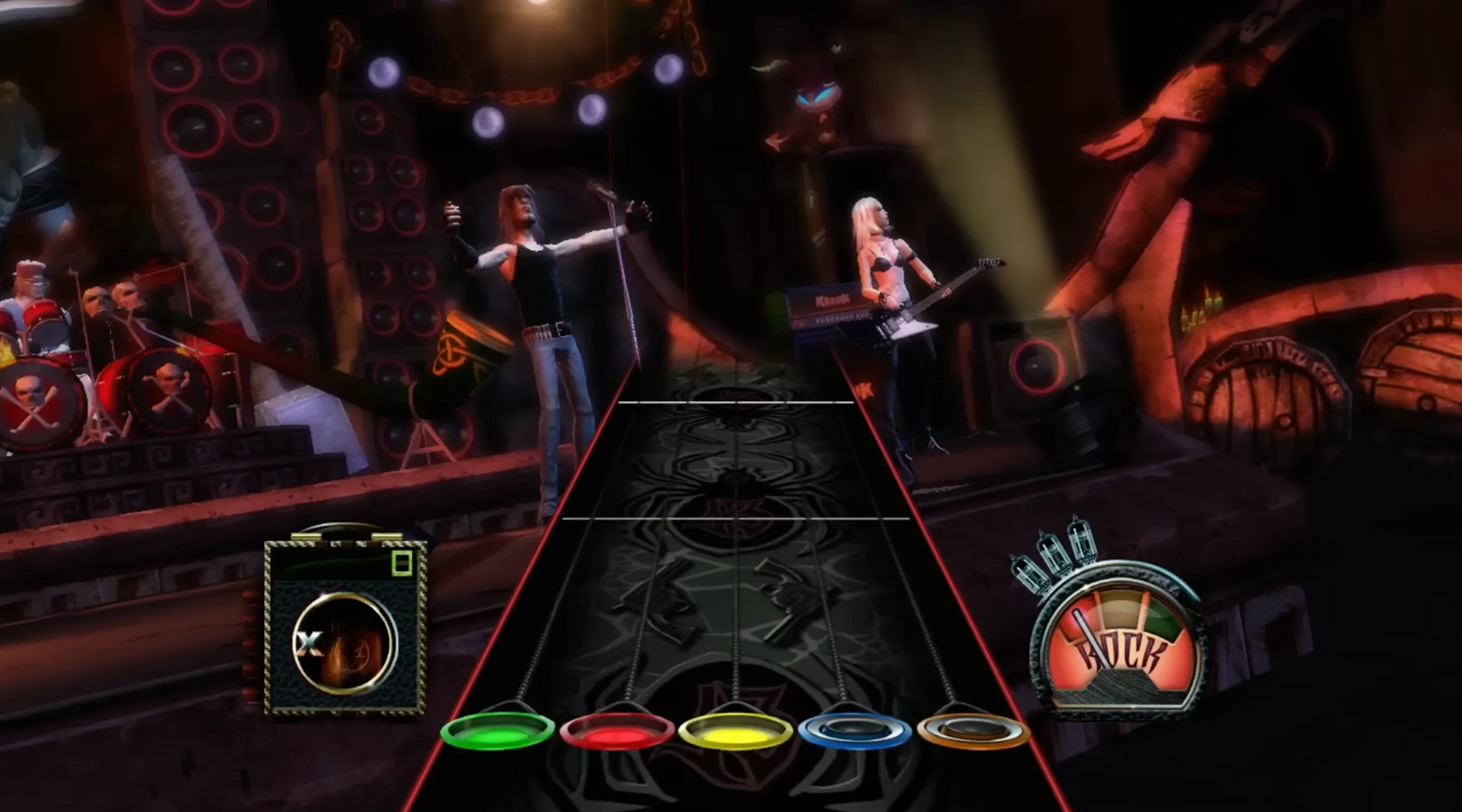
Now, an observation: players love to spam inputs when they’re at a break in the song, as you can see in the first 10 seconds of this Guitar Hero video. I believe punishing users for being “fidgety” is the wrong choice. Let them mess around and see your animations while there’s nothing else for them to do!
Cue Patterns: Establish What’s “Fair Game”
Almost all rhythm games—especially those that don’t rely on visual input—have “cue patterns” that prime you for an input. This creates a sort of “call and response” effect, where you listen to the cue pattern, and react x beats later with the correct input.
Whether through a tutorial or simply through gameplay, your #1 job is to establish this cue pattern—and specify what’s “fair game.” For example, in Rhythm Doctor, the first few levels establish that you always press the space bar on the 7th beat, even if some beats get blocked out or skipped.
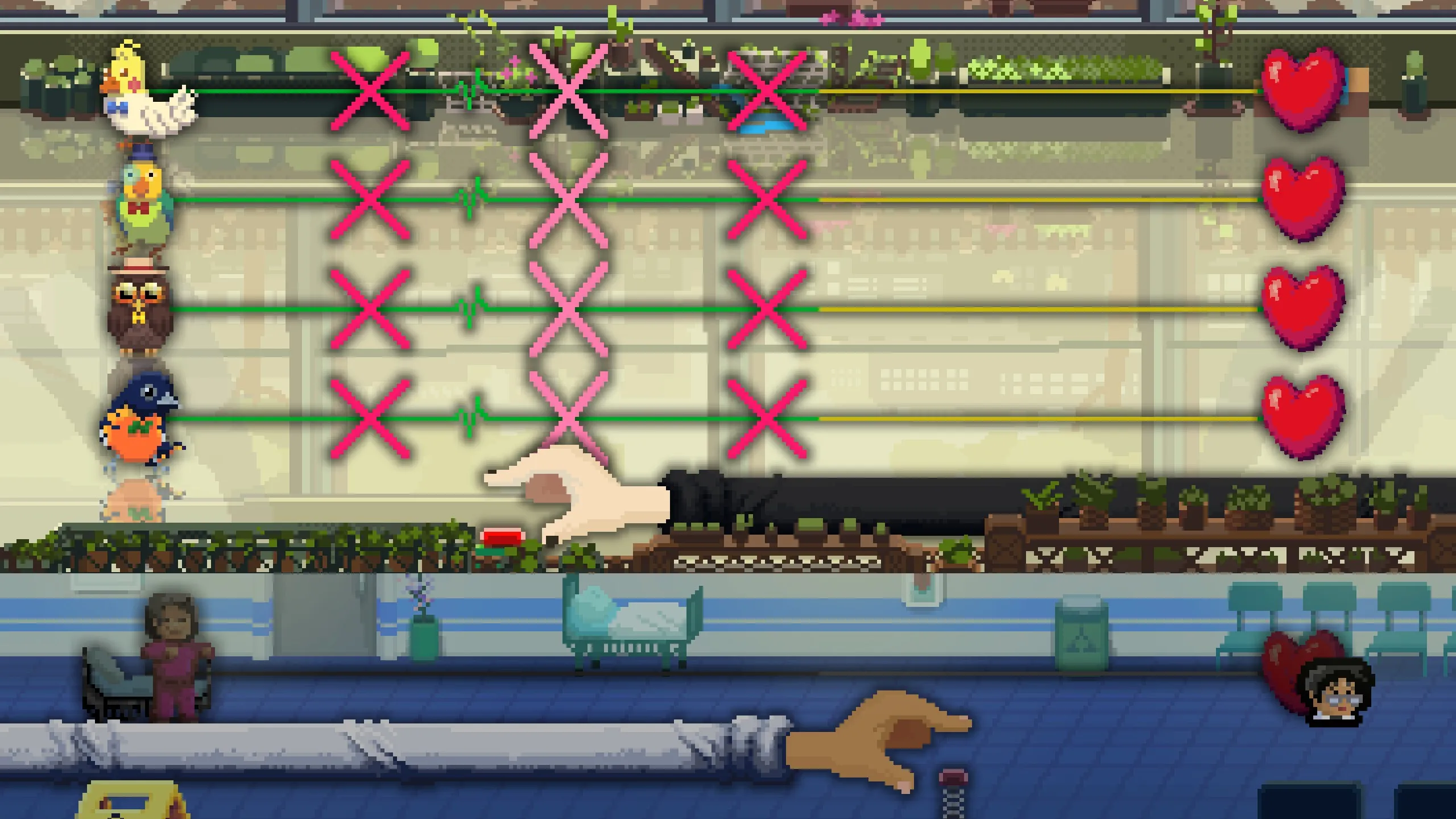
Once you establish the cue pattern, push the boundaries of what the player is expected to do! Start your cue on different beats (one, two, three, or four). You can even start your cue on the off-beat (the and), and expect your player to press on the corresponding off-beat.
Don’t Break The Cue Pattern!
With that being said, the absolute worst thing to do is change the cue pattern on your player without telling them. You’ve trained your player to respect your exact cue through hundreds of repetitions. Don’t suddenly switch it up on them!
For example, if your cue is swung throughout your entire level , don’t go changing it to straight 8ths in a remix level!
Other bad examples:
- Changing a polyrhythmic 3:2 cue into a tresillo cue
- Changing a compound meter cue into a simple meter cue
Music Theory in Rhythm Games
If you’re designing a rhythm game, it would be a mistake to not draw from the plethora of interesting rhythms that we have developed over thousands of years and hundreds of cultures! Use claves, syncopation, polyrhythms, and cross rhythms!
I made a video on how Rhythm Heaven Groove uses the Charleston rhythm in one of its minigames. The crucial part is that the player doesn’t need to know what a Charleston rhythm is—they just know how to play it thanks to the tutorial.
If you can get your player to build music theory intuition, they might be able to transfer those skills when they pick up an instrument.
Now Make Your Own Rhythm Game!
So, now that you know what (not) to do when designing a rhythm game, go make the games you’ve always wanted to play!
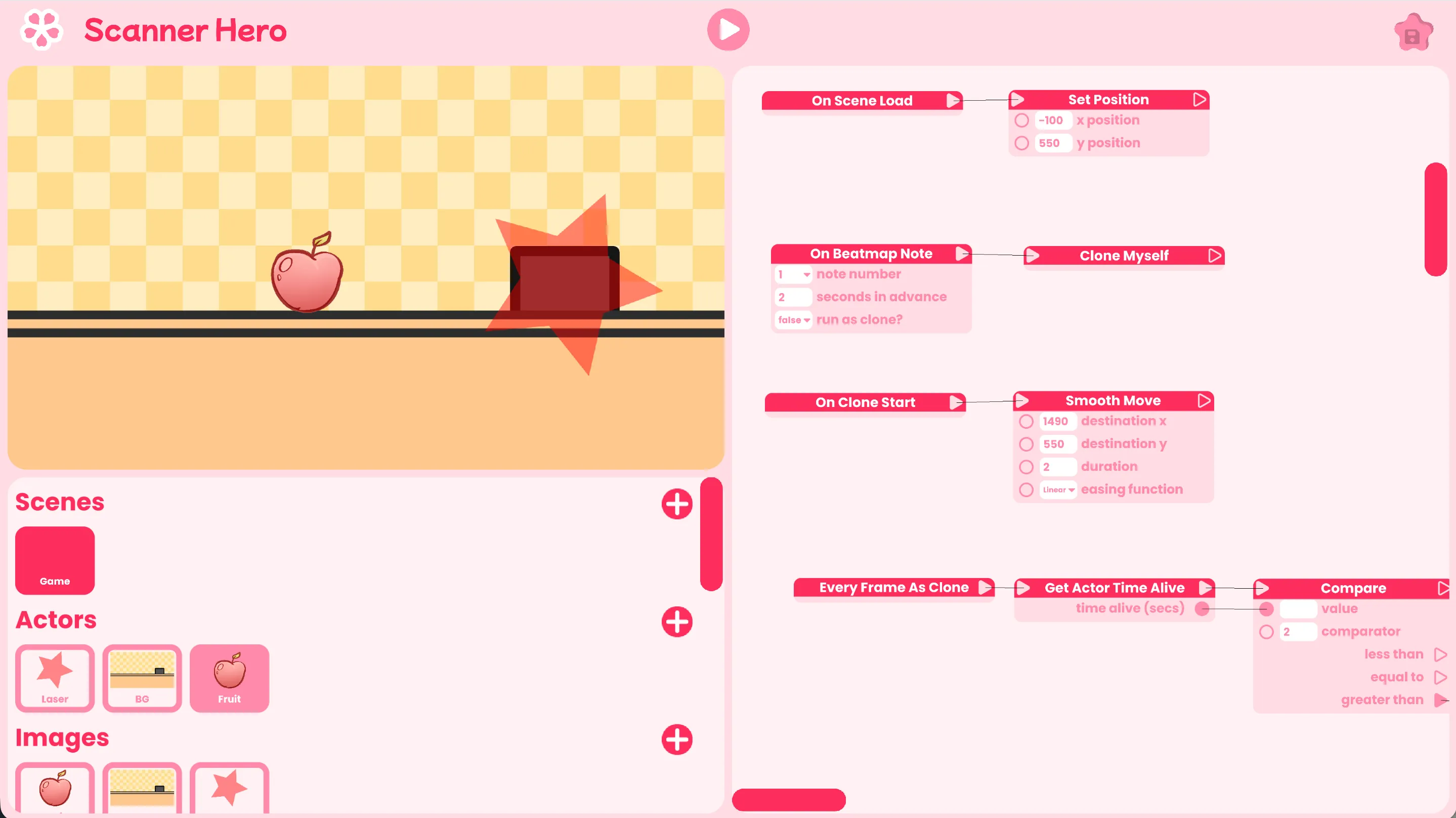
If you’re looking for an easy way to make rhythm games without needing to know how to code, may I suggest Rhythm Game Studio? It’s a great way to make minigames that you can send to your friends to try out.
So, go out there and create!